The IntelyCare app offers a number of notification types to keep you up to date on open and accepted shifts. However, if you find you are receiving too many notifications, you can customize your experience using the steps below.
Please note that you will not be able to opt out of phone calls from our team.
Changing Notification Settings
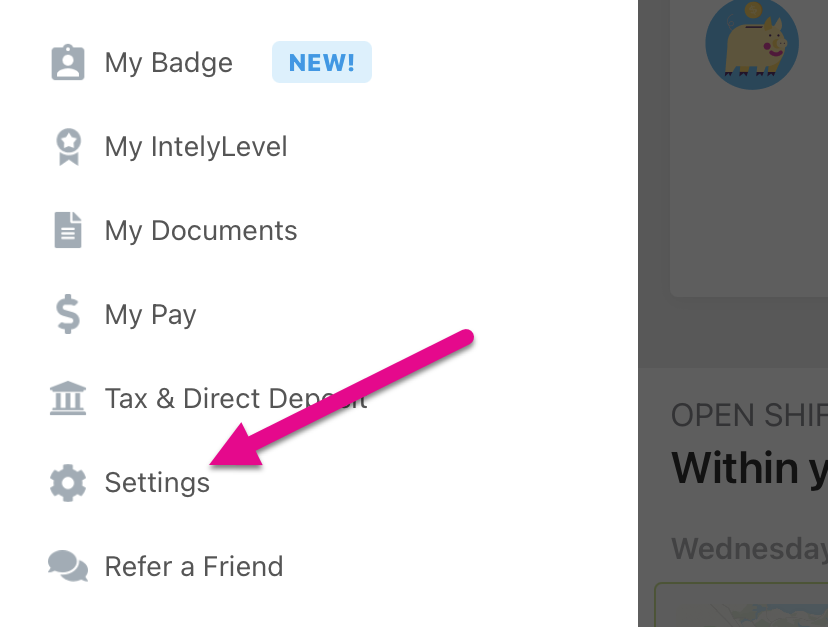
- To begin, you will need to open the side menu and select the "Settings" option.
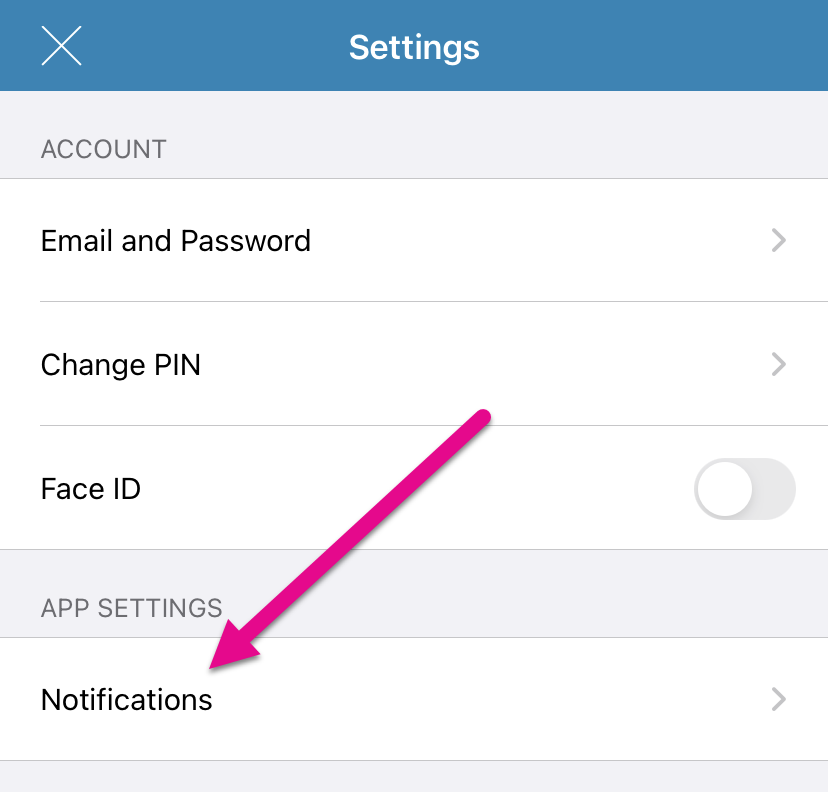
- Within the settings menu, select the "Notifications" option.
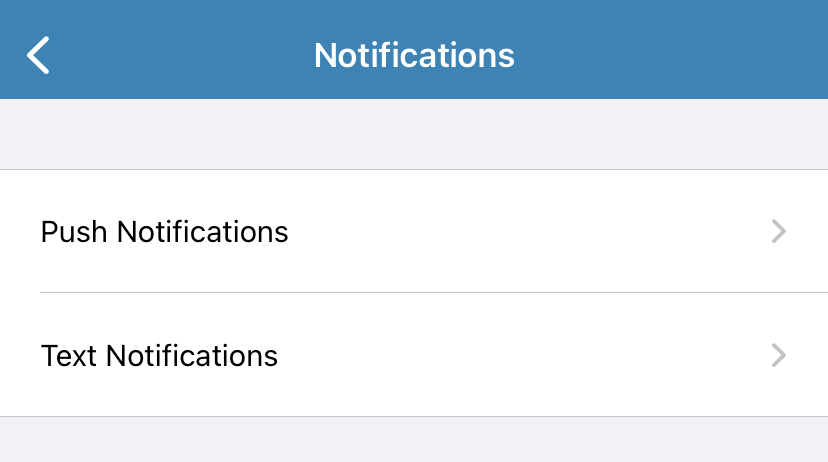
- This will pull up a screen with two options, one for push notifications (which come from the app) and one for text notifications (which come through normal texting).
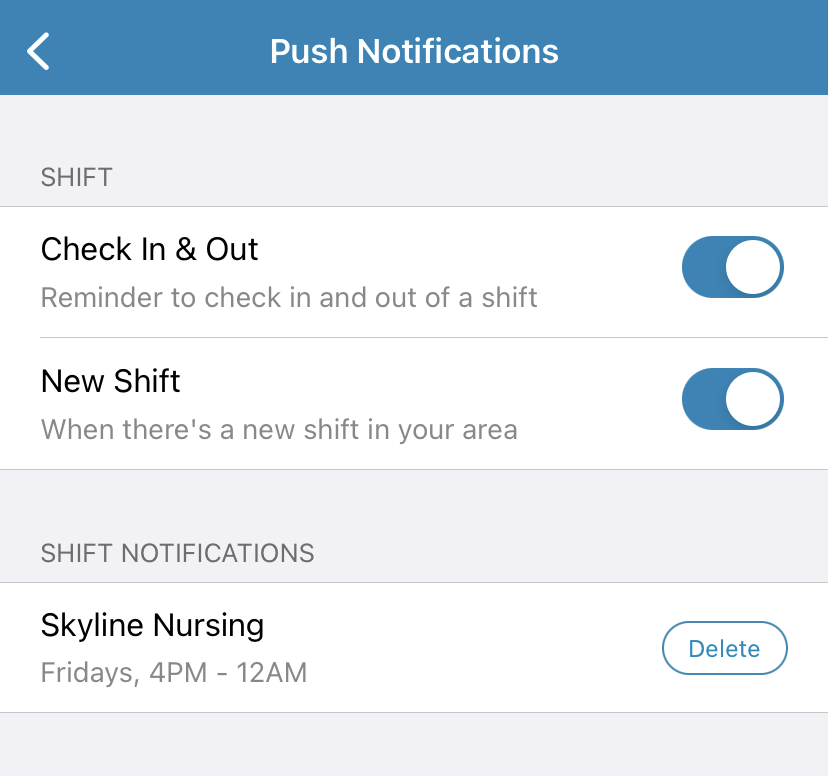
- The push notification options will let you turn off check in and check out reminders, as well as notifications of new shifts and any facility-specific notifications you have enabled.
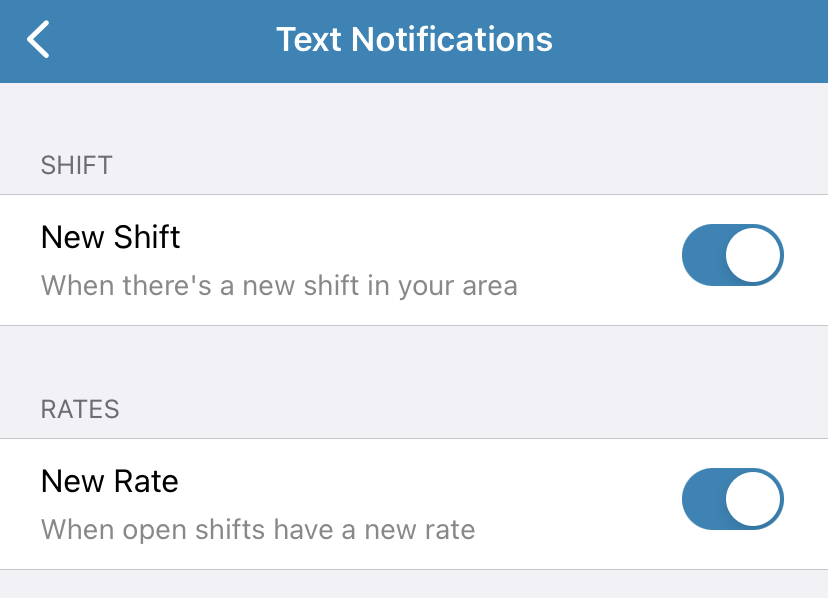
- Under text notifications, you will be able to adjust whether or not you see new shift notifications or new rate alerts.
Comments
0 comments
Article is closed for comments.